
DWG-based CAD platform 2D Drafting
Quickly create detailed drawings with a comprehensive set of intelligent drafting tools. Bigger check icon Create 2D geometry, modify existing data, and annotate files using a unified set of commands within one application. Bigger check icon Customize via LISP and run existing LISP code to handle industry-specific workflows.
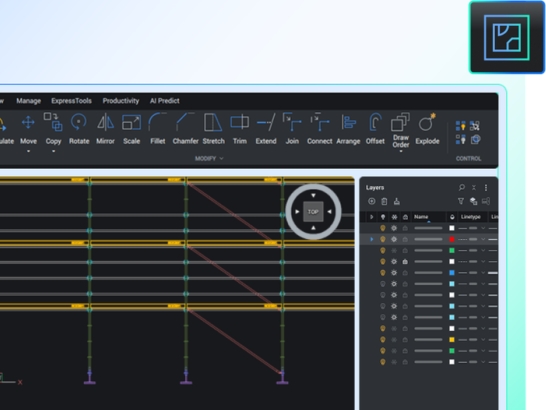
DWG-based 2D CAD Software
Lightweight platform to easily view, edit, mark up, and publish design data in multiple file formats.
Open and view DWG files of any size from legacy CAD drawings to complete data reviews, 2D drawings, and document publishing.
Transition seamlessly to a familiar user interface combining intuitive features for 2D design with flexible, cost-effective licensing options.
Rapidly create preliminary design schemes and layouts, easily referenced by colleagues also using BricsCAD products.
Maximize productivity with BricsCAD unique commands, removing repetition from workflow tasks.